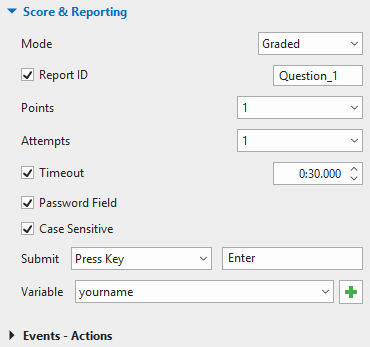
In creating eLearning content, defining how to score and report learning outcomes is one of the most important tasks, especially when you need to track the result of online learners. This article will cover how to define the score and report of interactive questions...
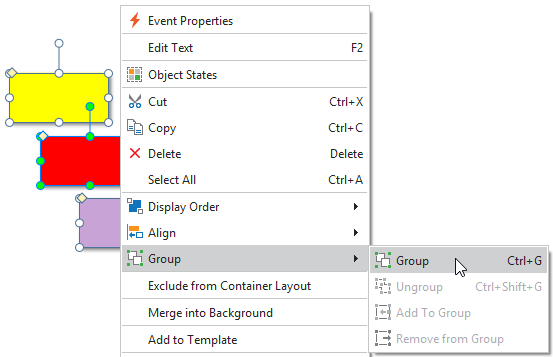
Object grouping in ActivePresenter 8 allows you to work with multiple objects as if they were a single object. In this tutorial, we’ll show you how to group objects and work with groups. Group Multiple Objects Object grouping lets you move, rotate, or resize multiple...
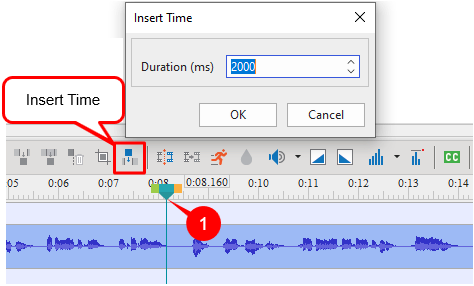
Concerning editing videos, the insert time feature helps you a lot. You can use it for not only inserted videos but also your captured ones such as video demonstration, video simulation. For example, when the video scene is over and you need more time to explain a...
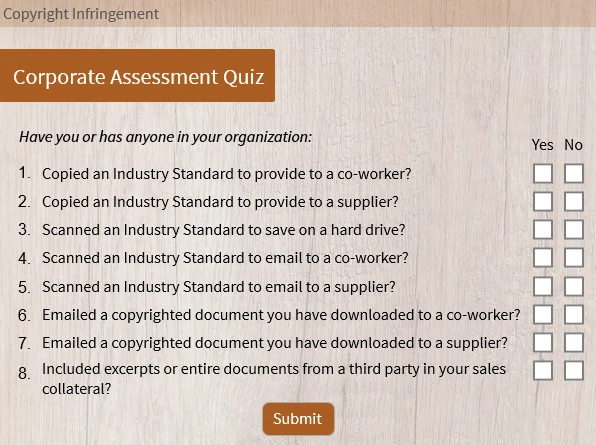
When building an eLearning course, it’s likely that sometimes you want to use check boxes and radio buttons. These interaction objects allow users to select options from a list. In this tutorial, let’s learn how to work with these objects in ActivePresenter 8....
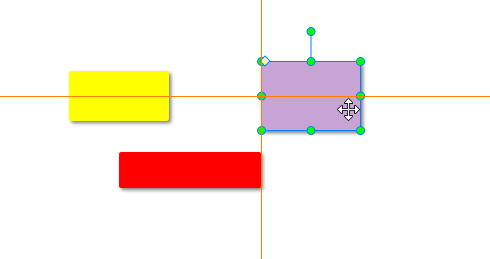
When working with a range of objects, you often want to align or resize them evenly. This is useful when you want to create, for example, a user interface or a structured page. Therefore, ActivePresenter 8 offers a variety of functions to align and resize objects...
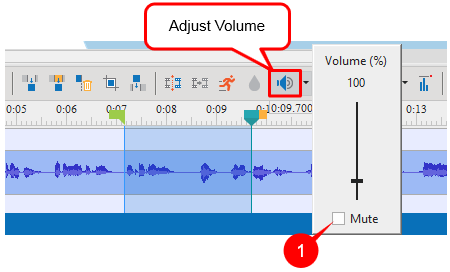
As you may know, sound always plays a prominent role in terms of representing the content of a video and engaging audiences. Have you ever watched a video in which the background audio is too loud to hear the voice-over? Do you know how to adjust the volume so that...